☀️
🌙
Turn on light theme

[Splatoon Raiders]: Share your code to find friends!
Nintendo Switch 2
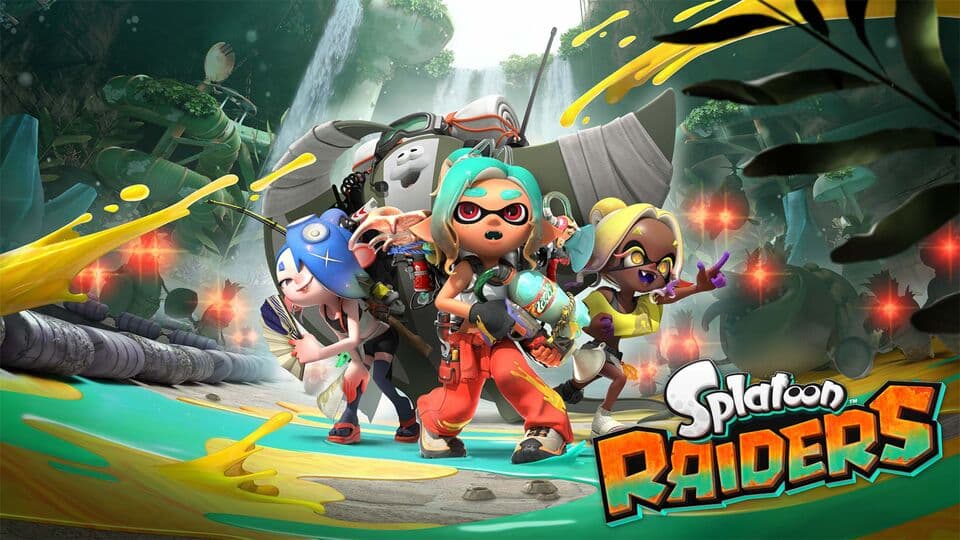
[Real-time updates on Splatoon Raiders Friend Codes]
How to add friends in Splatoon Raiders
- Find your code
On the HOME Menu, select your user icon and open Profile. Your friend code (SW-1234-5678-9012) is on the right. You can also see it in the Nintendo Switch app by tapping your user icon.
- Add a friend
Select your user icon on the HOME Menu, choose Add Friend, then Search with Friend Code, and enter their code. Your user has to be linked to a Nintendo Account, and they need to accept your request.
Tip: Co-op opens after the first three raids. Use the radio on the Hideout Ship, choose Online Play, and create a room from the Friends tab to invite friends.
Then share your code below so other players can add you!
Code List
No codes yet
Be the first to share yours! Everyone who visits this page will see it right away.