☀️
🌙
Turn on light theme

[Monster Hunter Wilds]: Share your code to find friends!
Nintendo Switch 2 | PS5 | Xbox Series X|S | PC
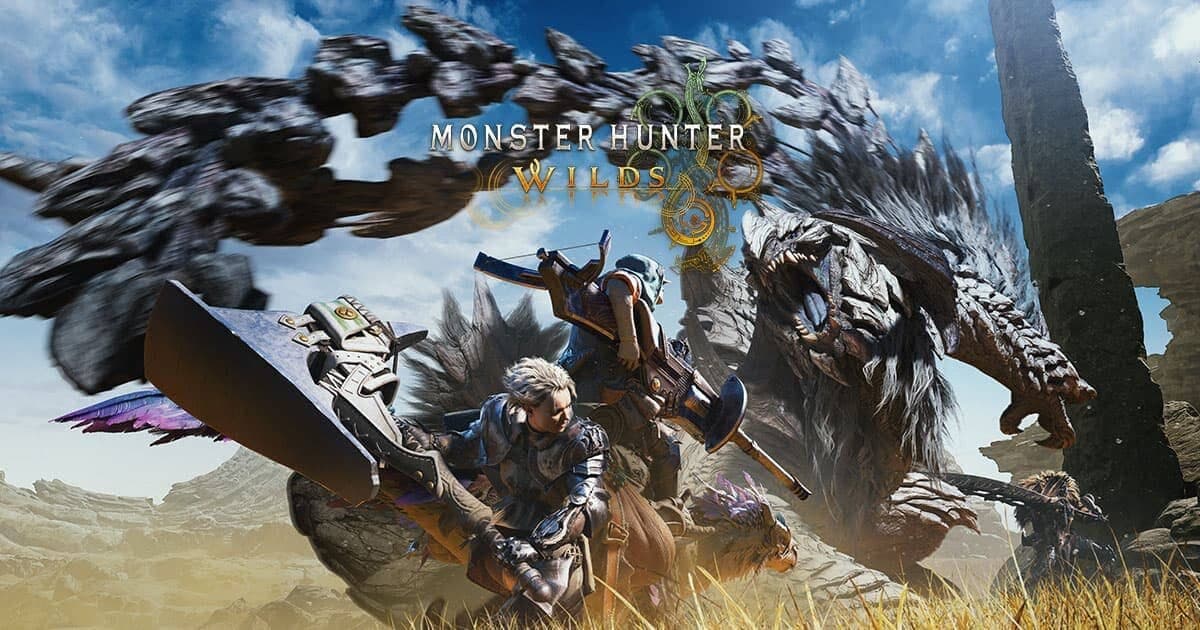
[Real-time updates on Monster Hunter Wilds Friend Codes]
How to add friends in Monster Hunter Wilds
- Find your code
Your Hunter ID is eight letters and numbers. Open the menu and go to Info, then Hunter Profile. It also shows on the save select screen when the game starts.
- Add a friend
Open the menu, go to Communication, then Member List, and choose Hunter ID Search. Enter their Hunter ID and send a friend request.
Tip: Online play crosses platforms: Switch 2, PS5, Xbox Series X|S and PC players can hunt together with a Hunter ID. Progress doesn’t carry over between platforms.
Then share your code below so other players can add you!
Code List
No codes yet
Be the first to share yours! Everyone who visits this page will see it right away.