☀️
🌙
Turn on light theme

[Animal Crossing: New Horizons]: Share your code to find friends!
Nintendo Switch
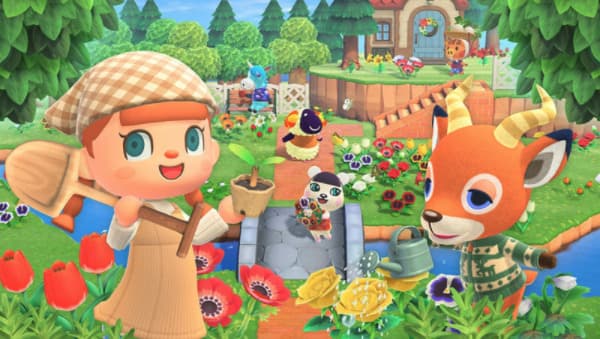
[Real-time updates on Animal Crossing: New Horizons Friend Codes]
How to add friends in Animal Crossing: New Horizons
- Find your code
On the HOME Menu, select your user icon and open Profile. Your friend code (SW-1234-5678-9012) is on the right. You can also see it in the Nintendo Switch app by tapping your user icon.
- Add a friend
Select your user icon on the HOME Menu, choose Add Friend, then Search with Friend Code, and enter their code. Your user has to be linked to a Nintendo Account, and they need to accept your request.
Tip: To visit each other's islands, go to the Dodo Airlines counter at the airport and choose to fly online. Friends can also share a Dodo Code for a quick visit.
Then share your code below so other players can add you!
Code List
FilterMost Recent